Pick CURSOR or POINTER, then tap the eye to make it live across the whole site.
Naruto
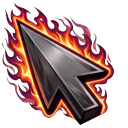
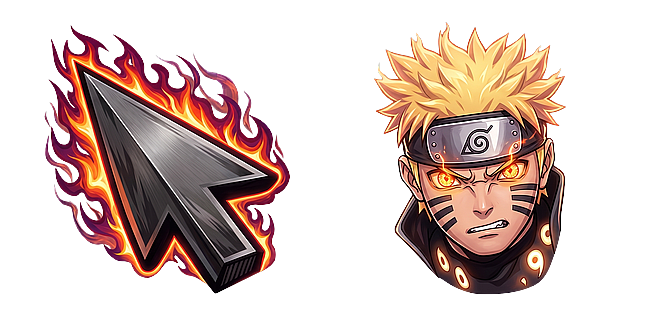
Naruto Nine Tails Chakra Mode Flame
With Naruto Nine Tails Chakra Mode Flame, your default arrow becomes a fierce, flaming arrow, while every click reveals Naruto Uzumaki in his powerful Baryon Mode with glowing eyes. It keeps things simple with a clear, static look. Both the cursor and a paired pointer are included, plus ready-to-use PNG images and Roblox-ready files. Ideal for anime fans. Add it to your browser in one click with the free Neon Cursor extension.
Is the Naruto Nine Tails Chakra Mode Flame cursor free?
Yes. Like everything on Neon Cursor, this design is completely free to preview, add to your browser, and download. No account is needed.
How do I use this cursor in my browser?
Install the free Neon Cursor extension, then press Add on this page. The cursor will follow you across every website you visit; tabs that were already open just need one refresh.
Can I set it as my Windows cursor too?
Yes. Use the Download menu to grab the .CUR file and set it as your system pointer from Windows mouse settings.