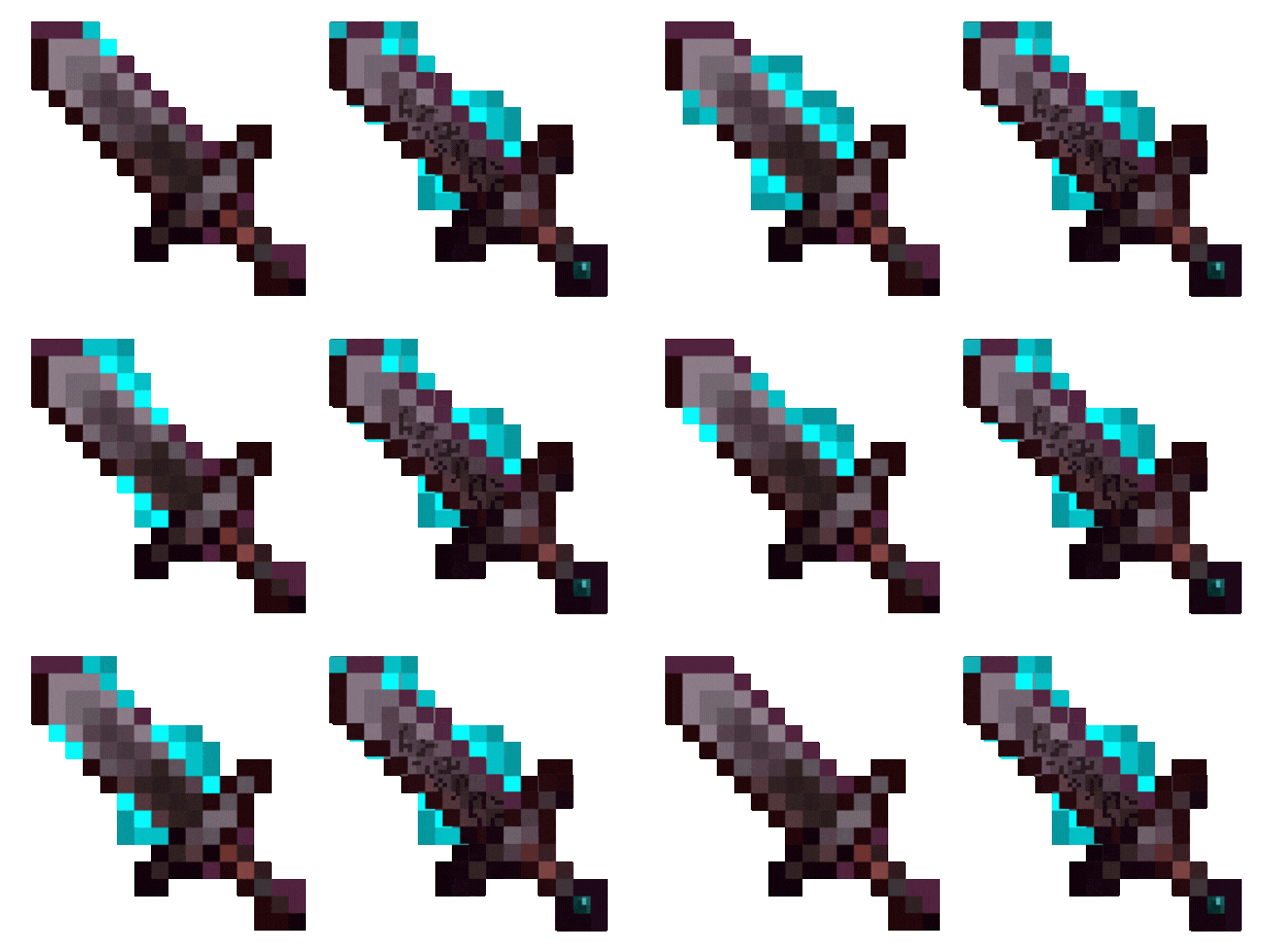
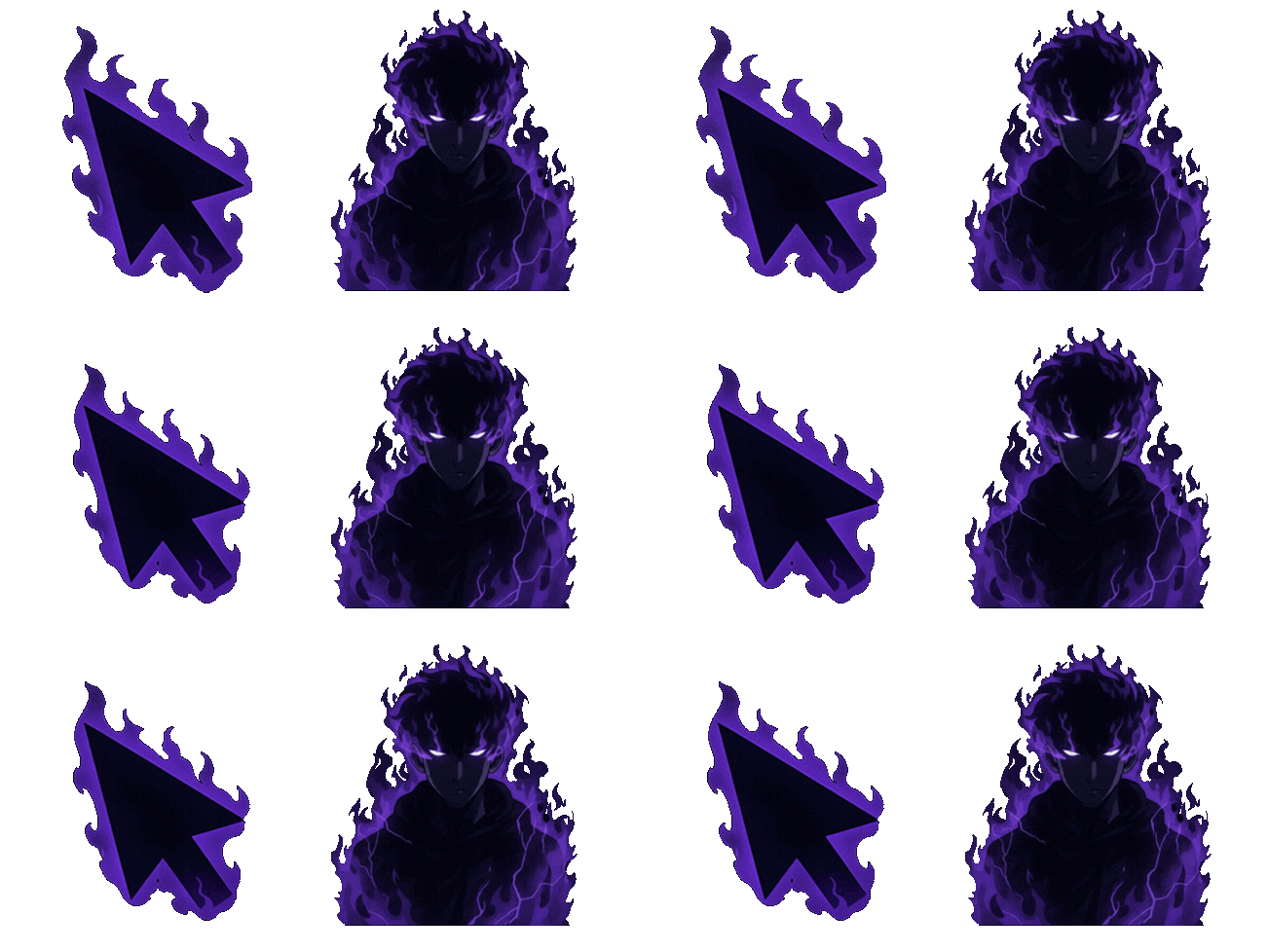
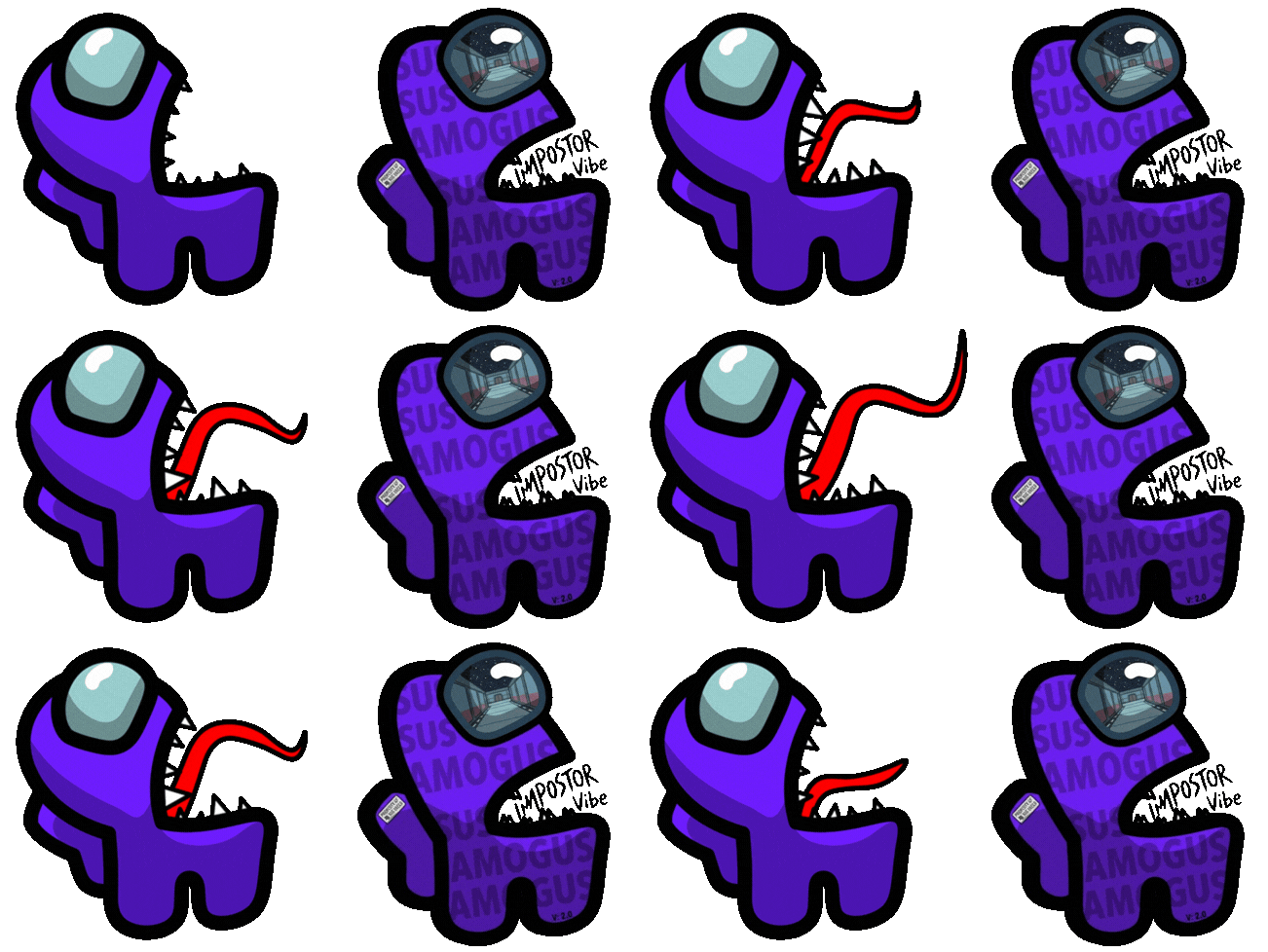
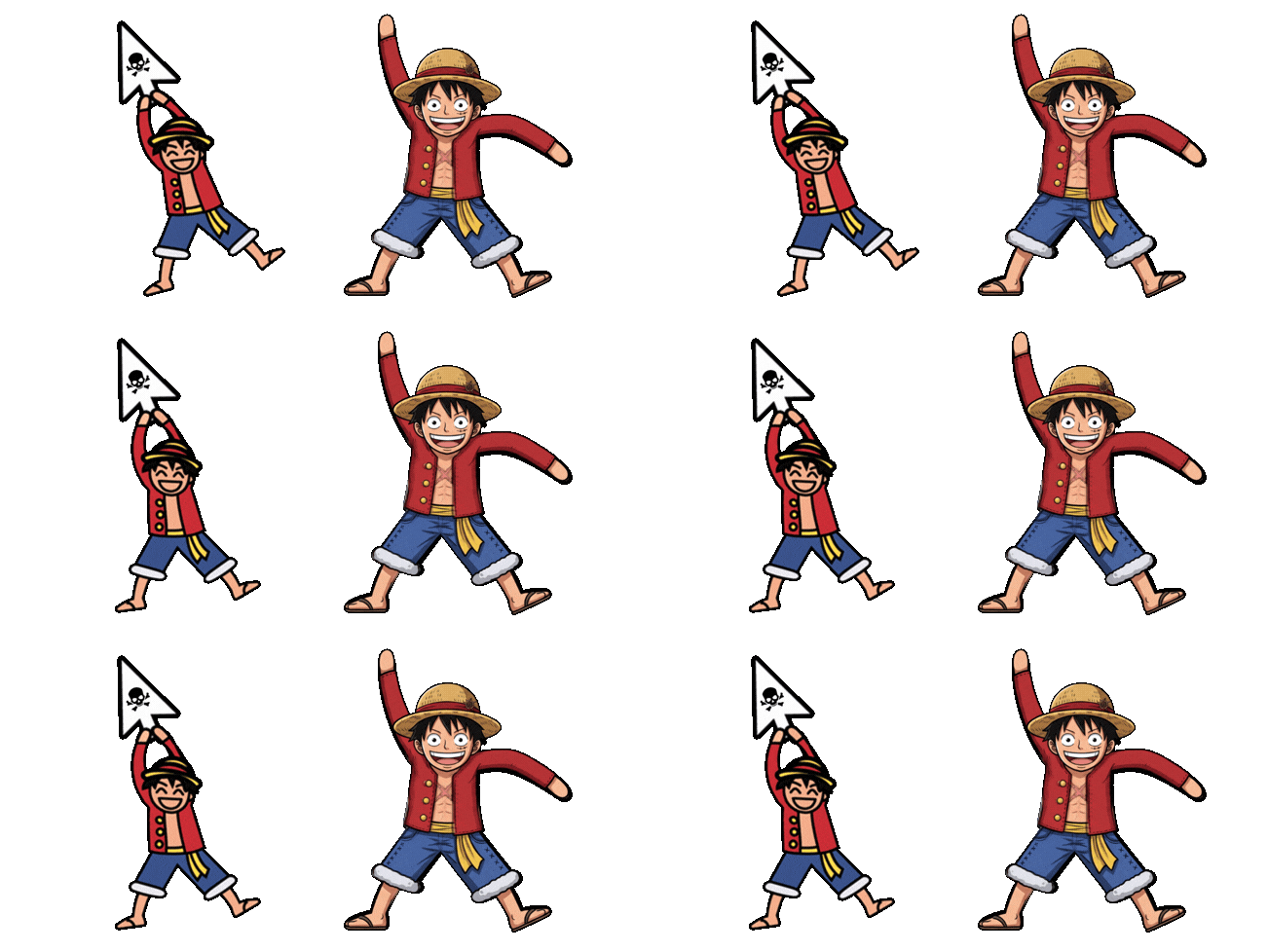
Neon Cursor offers both animated and static designs, and each has its place. If you're not sure which to pick, this quick comparison will help you choose the right one for your setup.
Static cursors
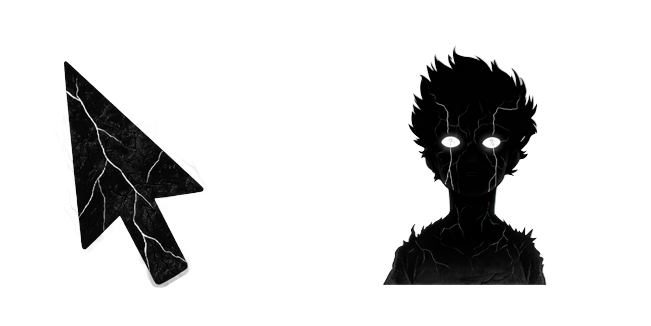
A static cursor is a single, still image — a clean arrow, a character, an icon. It never moves on its own, which makes it crisp, predictable, and extremely light on your system.
Choose static if you:
- Want maximum clarity and the sharpest possible look
- Prefer a calm, distraction-free desktop
- Are using an older or lower-powered computer
- Want a cursor for focused work or reading
Static designs are provided as .cur files (for Windows) and .png images.
Animated cursors
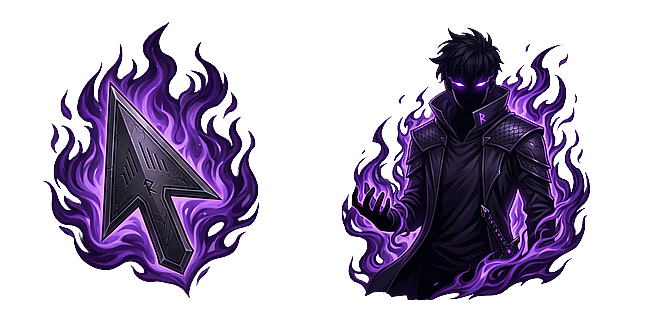
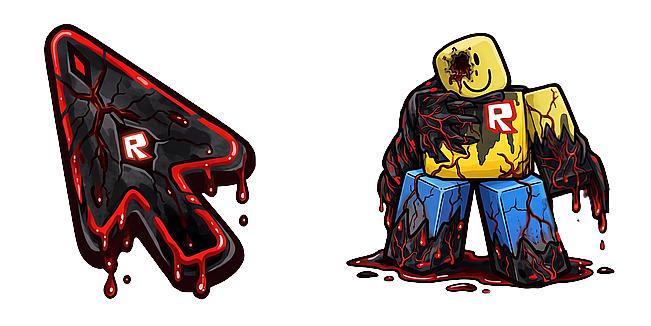
An animated cursor moves — flames flicker, an aura pulses, a character waves. It brings personality and energy to something you look at all day, and it's a favorite for gaming and themed setups.
Choose animated if you:
- Want a cursor with life and movement
- Love a bold, expressive, or gamer-style aesthetic
- Are on a modern computer that handles motion smoothly
On Neon Cursor, most animated designs are .gif files, which the browser extension plays directly. Windows animates only .ani files, so when a design has no .ani download, use its static .cur pointer for your system cursor.
Do animated cursors slow things down?
On a modern machine the impact is negligible — these are tiny animations. On very old hardware, a static cursor is the safer, lighter choice. If you ever notice any lag, switching to a static design is an instant fix.
Can I have both?
Absolutely. Because switching is free and instant, many people keep a calm static cursor for work and a lively animated one for downtime. Browse the collections to find your favorites, then follow How to Change Your Mouse Cursor in Chrome to apply them.