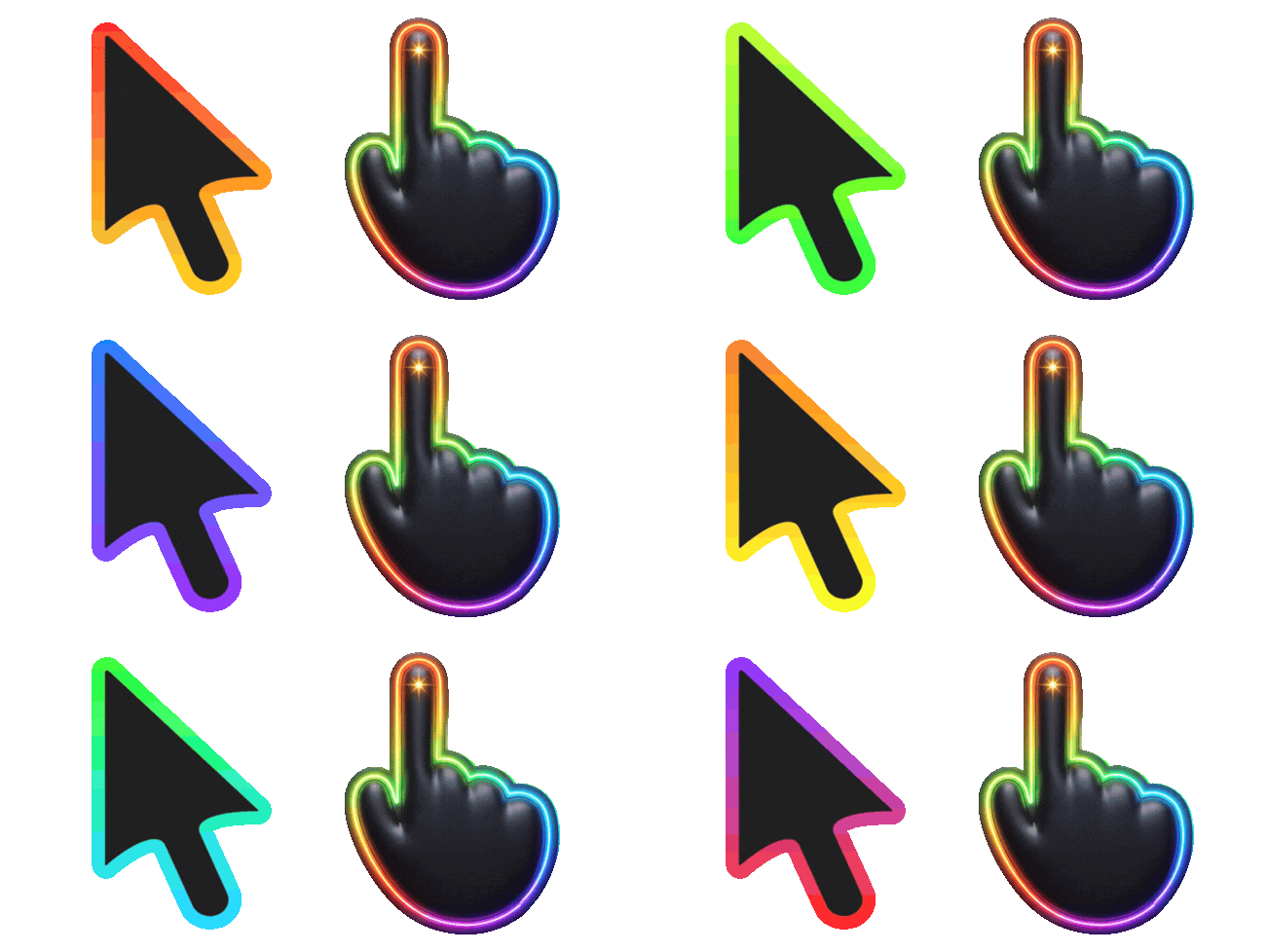
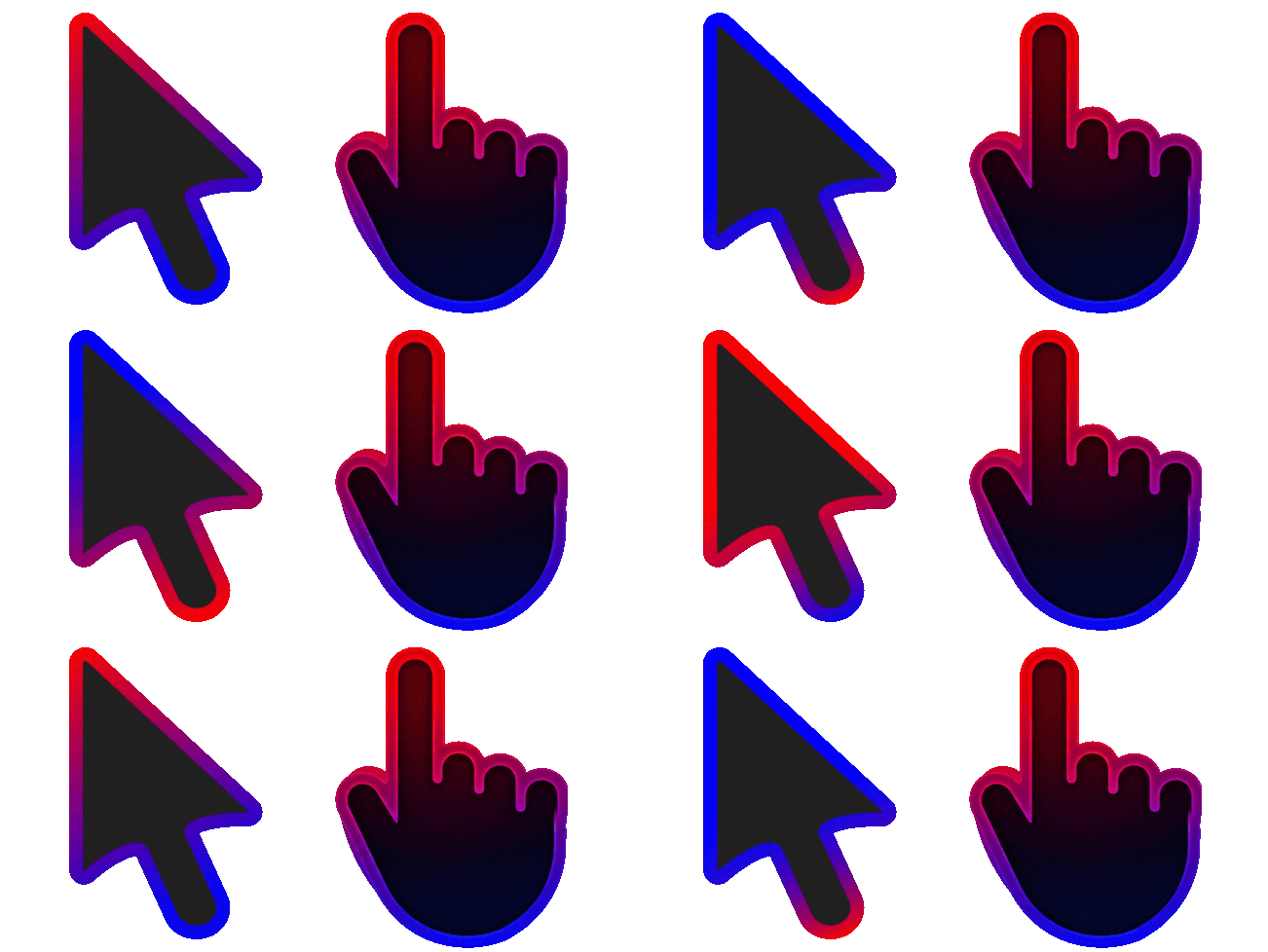
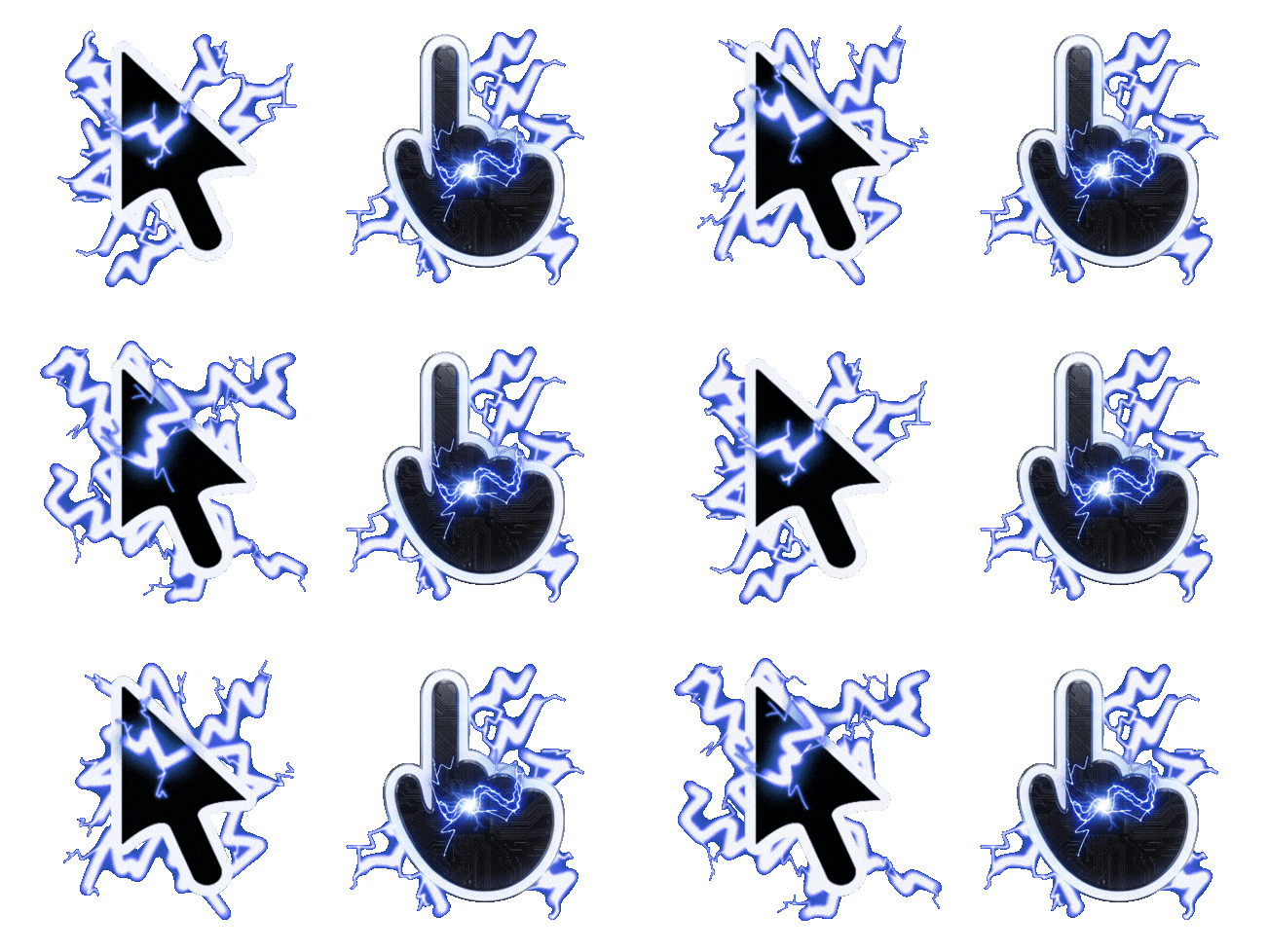
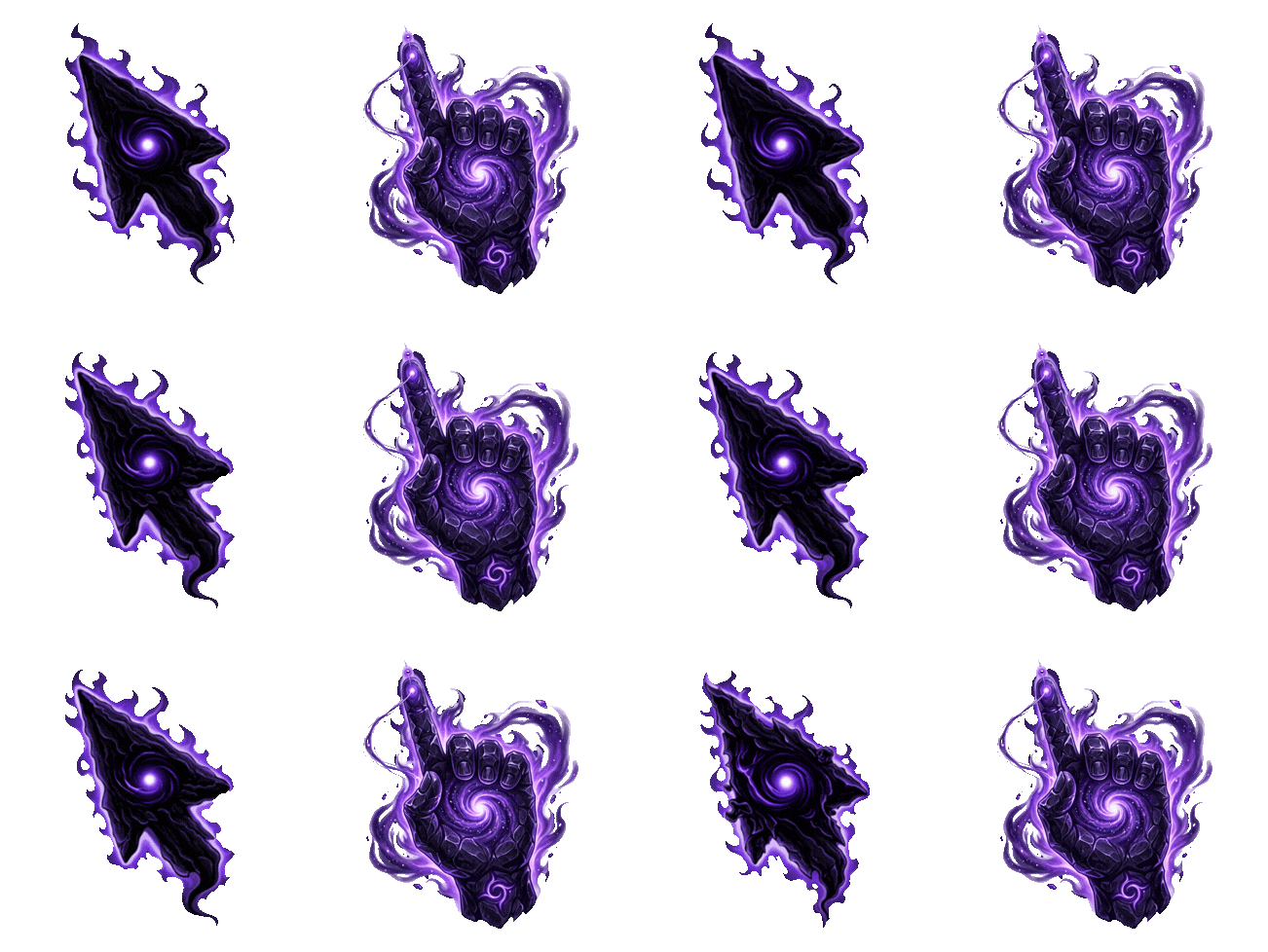
Want a cursor that's truly yours? With Neon Cursor you can turn your own artwork into a cursor and pointer pair and use it across the web — no design software required. Here's how to make one that looks sharp.
Two ways to build a cursor
- Cursor Creator — upload your own images for the cursor and the pointer, then add them straight to your browser. Best when you already have artwork you want to use.
- Constructor — mix and match a cursor and a pointer from existing pieces to build a matching pair, with a live preview as you go.
You'll find both tools linked in the site menu.
Step by step with Cursor Creator
- Open the Cursor Creator.
- Upload an image for your cursor (the everyday arrow) and, if you want, a second image for your pointer (the clicking state).
- Preview how it looks, then add it to your browser with the extension in one click.
Tips for a great-looking cursor
- Use a transparent background. A PNG with transparency keeps your design clean, with no ugly box around it.
- Keep it small and simple. Cursors are tiny on screen, so bold shapes and clear silhouettes read far better than fine detail.
- Mind the "hotspot." The click point is usually the very tip of your design, so make sure the important corner points where you'd expect to click.
- Pair it thoughtfully. A matching cursor and pointer make the whole set feel intentional — see Cursor vs Pointer for what each one does.
Prefer something ready-made?
If you'd rather not build from scratch, browse our collections for hundreds of finished designs, then follow How to Change Your Mouse Cursor in Chrome to apply one.